Step 1
Your receipt has a link
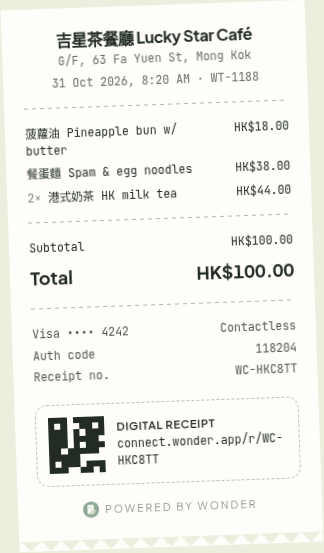
Every receipt printed on a JEK terminal has a QR code and a oldpass.jek.app link. Scan it to see the digital version.


Quick tutorial
Step 1
Every receipt printed on a JEK terminal has a QR code and a oldpass.jek.app link. Scan it to see the digital version.
Step 2
Enter your mobile number and the 6-digit code we text you. That's your JEK account — no password.
Step 3
Add your card or mobile wallet. The card network gives us a token in place of your card number, so we can recognise your taps without ever storing it.
Same security used by Apple Pay and Google Pay.
Step 4
Choose digital only, or digital + printed. Your digital receipts go to the JEK app by default.
Step 5
Next time you pay with that card at any JEK merchant, your e-receipt arrives in seconds. Less paper, less carbon, nothing to lose.
Each e-receipt avoids around 2.5 g of CO₂e.



 1 JeKoin